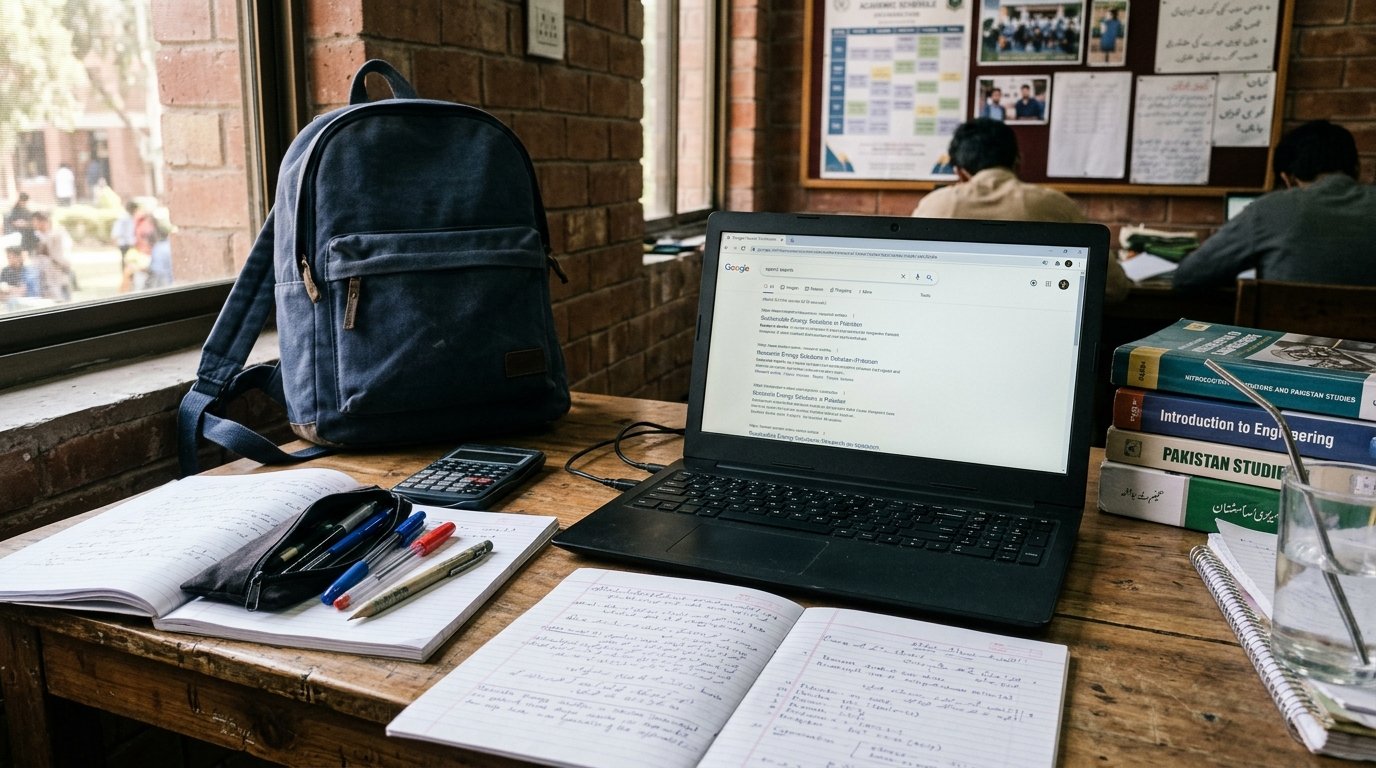
Choosing a cheap laptop for students in Pakistan can be difficult, especially when prices are high, and students need a reliable device for assignments, online classes, research, and presentations. The good news is that you do not always need to buy an expensive new laptop. A carefully selected used business laptop can offer good performance at an affordable price.
Thank you for reading this post, don't forget to subscribe!In this guide, we will explore the best budget laptop options for students in Pakistan, expected price ranges, essential specifications, and useful buying tips to help you make the right decision.
Whether you are a school student, college student, university student, medical student, or beginner in freelancing, this article will help you find a laptop that suits your needs and budget.
Quick Answer: What Is the Cheapest Good Laptop for Students in Pakistan?
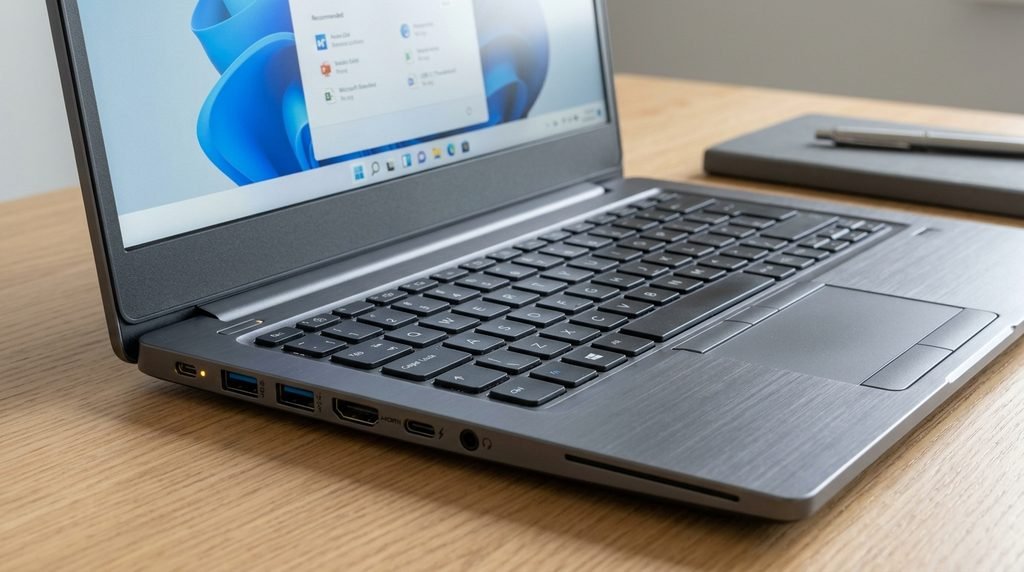
For students with a very limited budget, a used Chromebook or an older refurbished laptop may be a practical choice. However, if you need Microsoft Office, Windows applications, programming tools, or specialized educational software, a Windows laptop is generally more suitable.
Here is a quick overview of student laptop budgets in Pakistan in 2026:
| Budget | Laptop options | Best for |
|---|---|---|
| Rs. 10,000–20,000 | Used Chromebook | Basic browsing and online learning |
| Rs. 25,000–40,000 | Older used business laptop | Basic assignments and office work |
| Rs. 40,000–60,000 | Used Core i5, preferably 8th generation or newer | University assignments and multitasking |
| Rs. 60,000–90,000 | Better used business laptop or entry-level new laptop | Research, freelancing and programming |
| Rs. 90,000–120,000 | Entry-level new laptop with modern specifications | Long-term student use |
These are indicative budget ranges, not guaranteed offers. Actual prices vary according to processor generation, condition, RAM, storage, warranty, and seller.
Best Cheap Laptop for Students in Pakistan
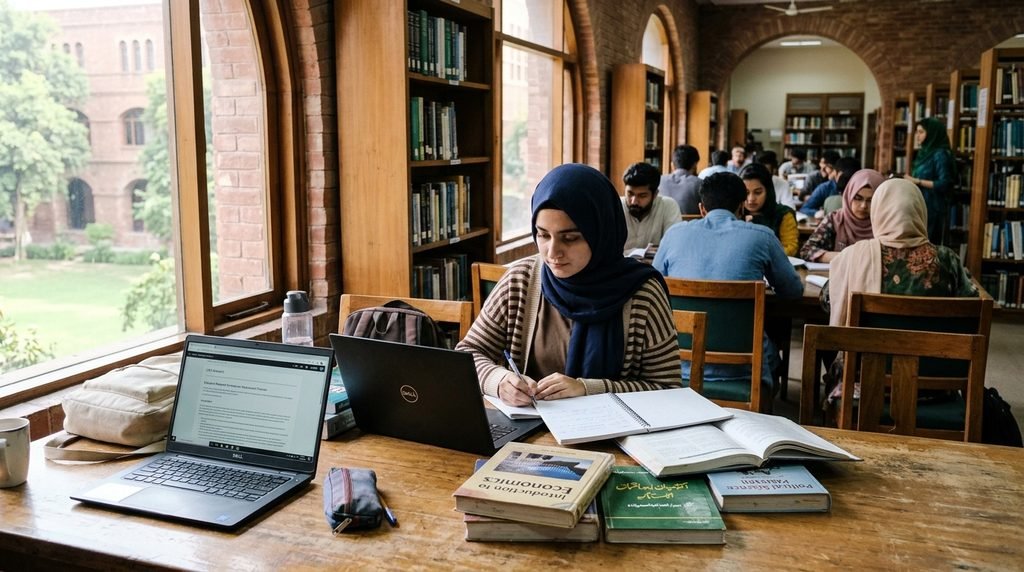
Students should compare specifications and overall condition rather than choosing a laptop based only on its brand name. The following options are worth considering in the Pakistani market.
1. Dell Latitude E7470
The Dell Latitude E7470 is an older business laptop that may suit students who need an affordable device for everyday academic work.
Key features to look for:
- Intel Core i5 processor, commonly 6th generation
- 8GB RAM, if available within budget
- 256GB SSD
- Compact display, usually around 14 inches
- Business-class keyboard and construction
Best for: Assignments, Microsoft Office, browsing, PDFs, and online classes.
Important: This model is relatively old. Check operating-system compatibility, battery condition, and overall performance before buying it.
2. HP EliteBook 840 G3 or G4
The HP EliteBook 840 series is another option in the used laptop market. These business laptops often provide a comfortable keyboard and a practical design for everyday work.
Key features to look for:
- Intel Core i5 processor
- 8GB RAM
- SSD storage
- Functional webcam, Wi-Fi, and USB ports
Best for: Students who prepare notes, write assignments, read digital books, and create presentations.
Because these are older models, their prices and condition can differ considerably. They are not ideal for demanding modern software.
3. Lenovo ThinkPad T470
The Lenovo ThinkPad T470 is worth considering for students who value a good keyboard and durable business-oriented construction.
Key features to look for:
- Intel Core i5 processor, commonly 6th or 7th generation
- 8GB RAM
- 256GB SSD
- Around a 14-inch display
Best for: Typing, research, academic writing, spreadsheets, and everyday office tasks.
Before purchasing, check battery health, hinges, screen condition, and whether the laptop supports the software you need.
4. Lenovo ThinkPad T480
If your budget is closer to Rs. 40,000–60,000, a used Lenovo ThinkPad T480 may be a more attractive option, particularly when equipped with an 8th-generation Intel Core i5 processor.
Recommended specifications:
- Intel Core i5 8th generation
- 8GB RAM or more
- 256GB SSD or larger
- Full HD display, if available
Best for: University students, research work, office applications, and light programming.
A good-condition T480 can be a practical choice, but inspect the actual configuration carefully because different versions have different specifications.
5. Dell Latitude 5420
Students who can increase their budget may consider a used Dell Latitude 5420. It is a newer business laptop than the older E7470 and can provide better performance for multitasking.
Recommended specifications:
- Intel Core i5 11th generation
- 8GB RAM, preferably upgradeable
- 256GB SSD or larger
- Full HD display
Best for: University assignments, multitasking, online learning, and beginner programming.
The price depends on condition, battery health, and configuration. It may cost more than an older refurbished laptop, but it can be a better long-term option.
New Laptop or Used Laptop: Which Is Better for Students?
The answer depends on your budget and the type of work you need to perform.
Advantages of buying a used laptop
- Lower initial cost.
- Business-class models may offer good build quality.
- You may get a Core i5 processor and SSD within a limited budget.
- Some models allow RAM and storage upgrades.
Disadvantages of buying a used laptop
- Battery life may be reduced.
- There may be hidden hardware problems.
- Warranty coverage can be limited or unavailable.
- Older processors may not support newer software or operating systems.
Advantages of buying a new laptop
- A fresh battery and unused hardware.
- Manufacturer or seller warranty, depending on the product.
- Better chances of getting a modern processor.
- A more suitable option for students who want to keep their laptop for several years.
My recommendation: If your budget is below Rs. 50,000, compare well-tested used business laptops. If you can spend around Rs. 70,000–100,000 or more, compare newer laptops with warranty as well. A new device is not automatically better value, so check the specifications and warranty terms.
Minimum Laptop Specifications for Students
Before buying a laptop, understand the specifications that matter most.
| Component | Minimum to consider | Preferred choice |
|---|---|---|
| Processor | Intel Core i5 or a suitable modern alternative | Recent Core i5 or AMD Ryzen 5 |
| RAM | 8GB | 16GB for heavier multitasking |
| Storage | 256GB SSD | 512GB SSD |
| Display | 14-inch or 15.6-inch | Full HD resolution |
| Battery | Tested, usable battery | Good battery life for classes |
| Connectivity | Wi-Fi, USB, webcam | HDMI and other useful ports |
For very basic schoolwork, lower specifications may be sufficient. However, 8GB RAM and an SSD provide a more comfortable starting point for most Windows-based student laptops.
Do not confuse a large hard drive with a fast drive. An SSD generally makes a laptop start faster and open applications more quickly than a traditional hard disk.
Which Laptop Is Best for Different Students?
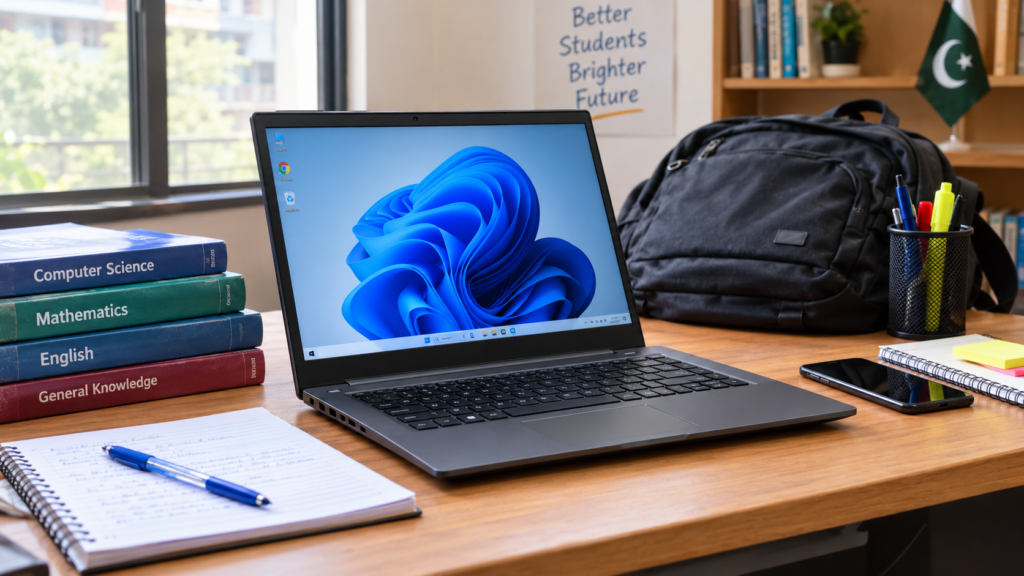
School students
School students usually need a laptop for typing, educational videos, online classes, browsing, and simple presentations.
A Chromebook can be sufficient if all required applications work in its browser and internet access is available. If the student needs desktop Microsoft Office or Windows-only educational software, consider a Windows laptop instead.
College and university students
For general university work, look for a laptop with 8GB RAM, SSD storage, a comfortable keyboard, and a battery that can last through classes.
A used Core i5 laptop with an SSD can be a sensible budget option.
Medical and nursing students
Medical and nursing students often need to prepare assignments, create presentations, read PDFs, attend online classes, and search academic resources.
A laptop with 8GB RAM, a 256GB SSD, and a Full HD screen is generally adequate for these tasks. Check whether any specialized software required by your institution runs on your chosen device.
Computer science students
Computer science students should prioritize processor performance, RAM, and compatibility with programming tools.
If possible, choose 16GB RAM and a recent Core i5 or Ryzen 5 processor. An 8GB laptop may still work for beginner programming, but it can become limiting when running virtual machines, containers, or several development tools simultaneously.
Freelancers and content creators
Students planning to work in graphic design, video editing, or other creative fields should choose according to their software requirements. More RAM, a capable processor, and a suitable display may be necessary.
Do not purchase an old laptop simply because it has a Core i7 label. Processor generation and exact model matter more than the i5 or i7 name alone.
Where Can Students Buy Cheap Laptops in Pakistan?
Students can explore several purchasing options.
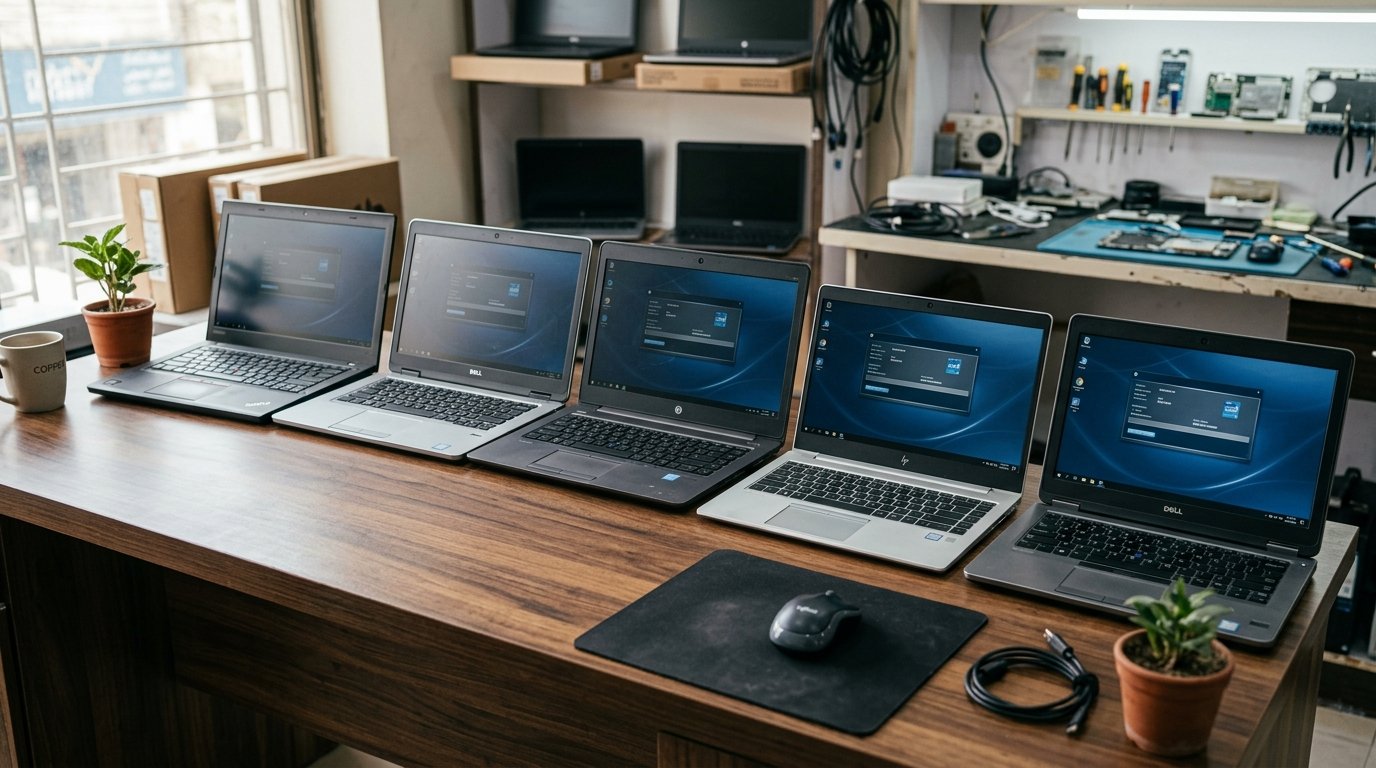
1. Local computer markets: Visit established computer shops in your city. Compare prices and test the laptop before paying.
2. Online marketplaces: Websites such as OLX Pakistan can help you compare used laptop listings. Because individual sellers may offer products in different conditions, inspect the device carefully and avoid paying in advance without adequate verification.
3. Laptop retailers: Established retailers may offer new and refurbished laptops with different warranty options. Ask for written warranty details and a proper invoice.
4. Student laptop schemes: Check official government education portals for current laptop schemes, eligibility requirements, application dates, and announcements. Do not assume that an old announcement is still active.
Essential Tips Before Buying a Used Laptop
Buying a cheap laptop can save money, but only if the device is working properly. Use this checklist before making a payment.
- Check the exact processor model and generation.
- Confirm the RAM and SSD capacity.
- Test the battery and charger.
- Inspect the screen for dead pixels, lines, and pressure marks.
- Test the keyboard, touchpad, webcam, speakers, Wi-Fi, and USB ports.
- Check the hinges, body, and charging port.
- Make sure the BIOS is not locked with an unknown password.
- Check Windows activation and operating-system compatibility.
- Ask whether a written checking warranty is available.
- Compare the price with similar laptops before deciding.
If possible, ask a technician to inspect the laptop. A cheap device with a damaged motherboard or poor battery may cost more to repair than a better-condition laptop.
Is a Chromebook Good for Pakistani Students?
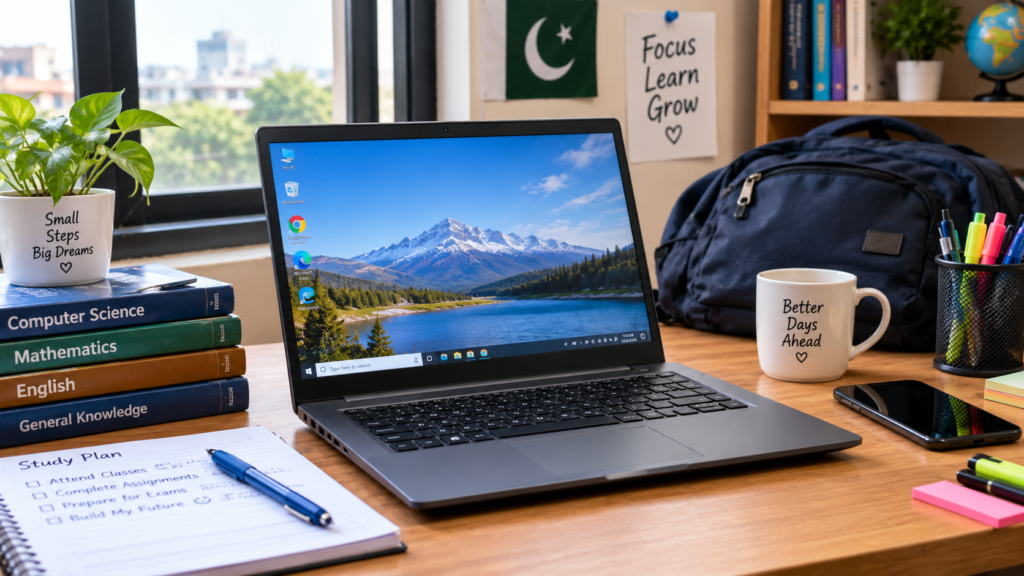
A Chromebook is a low-cost alternative for students who mainly use web-based applications. It can be useful for Google Docs, web browsing, email, and online classes.
However, Chromebooks run ChromeOS rather than Windows. Some Windows applications, specialized academic programs, and traditional desktop software will not work in the same way.
Before purchasing one, check the device’s remaining automatic update support, storage capacity, keyboard layout, and compatibility with your university’s requirements.
Frequently Asked Questions (FAQs)
1. What is the cheapest laptop for students in Pakistan?
A used Chromebook may cost around Rs. 10,000–20,000, depending on its condition and specifications. Older used Windows laptops may cost more. Check compatibility before choosing the cheapest option.
2. Which laptop is best for students under Rs. 50,000?
A well-maintained Lenovo ThinkPad T480, an older HP EliteBook, or a suitable Dell Latitude may be worth comparing. The best choice depends on the actual processor, RAM, SSD, battery, and condition.
3. Is a Core i5 laptop good for university students?
Yes. A suitable Core i5 laptop with 8GB RAM and SSD storage can handle assignments, presentations, browsing, and many everyday academic tasks. Newer processor generations generally offer better performance and compatibility.
4. How much RAM does a student laptop need?
For general academic use, 8GB RAM is a practical starting point. Students who use demanding software, programming environments, or multiple applications at once should consider 16GB.
5. Should I buy a new or used laptop?
A used laptop is often more affordable, while a new laptop usually offers a fresh battery and better warranty coverage. Compare the total cost, condition, specifications, and support before deciding.
6. Can I use a cheap laptop for freelancing?
Yes. A budget laptop can handle writing, virtual assistance, basic WordPress work, research, and other lightweight tasks. Graphic design, video editing, and demanding development work may require stronger hardware.
7. Which laptop is best for nursing students in Pakistan?
A Windows laptop with 8GB RAM, a 256GB SSD, and a Full HD screen is generally suitable for assignments, research, presentations, and online learning. Confirm any specific software requirements with your institution.
Final Verdict
You can find a cheap laptop for students in Pakistan if you focus on practical specs rather than appearance or brand names. For a very limited budget, a Chromebook or an older refurbished laptop may be sufficient for basic tasks. For university students, a well-maintained business laptop with an SSD and at least 8GB RAM is usually a better starting point.
If your budget allows, consider a newer processor, 16GB RAM, and a warranty for longer-term use. Always test a used laptop before paying, compare current prices, and choose a device that meets your educational needs.
The best student laptop isn’t necessarily the cheapest. It is the one that performs reliably, supports your studies, and offers good value for your money.