- What Are Digital Classroom Tools?
- Definition of Digital Classroom Tools
- How Digital Classroom Tools Work
- 7 Essential Digital Classroom Tools
- Smart Boards and Interactive Displays
- Learning Management Systems
- Video Conferencing Tools
- Online Quiz and Assessment Tools
- Benefits of Digital Classroom Tools
- Improving Student Engagement
- Supporting Flexible Learning
- Saving Teachers Time
- How to Choose the Best Classroom Tools
- Challenges of Using Digital Classroom Tools
- The Future of Digital Classroom Technology
- Conclusion
What Are Digital Classroom Tools?
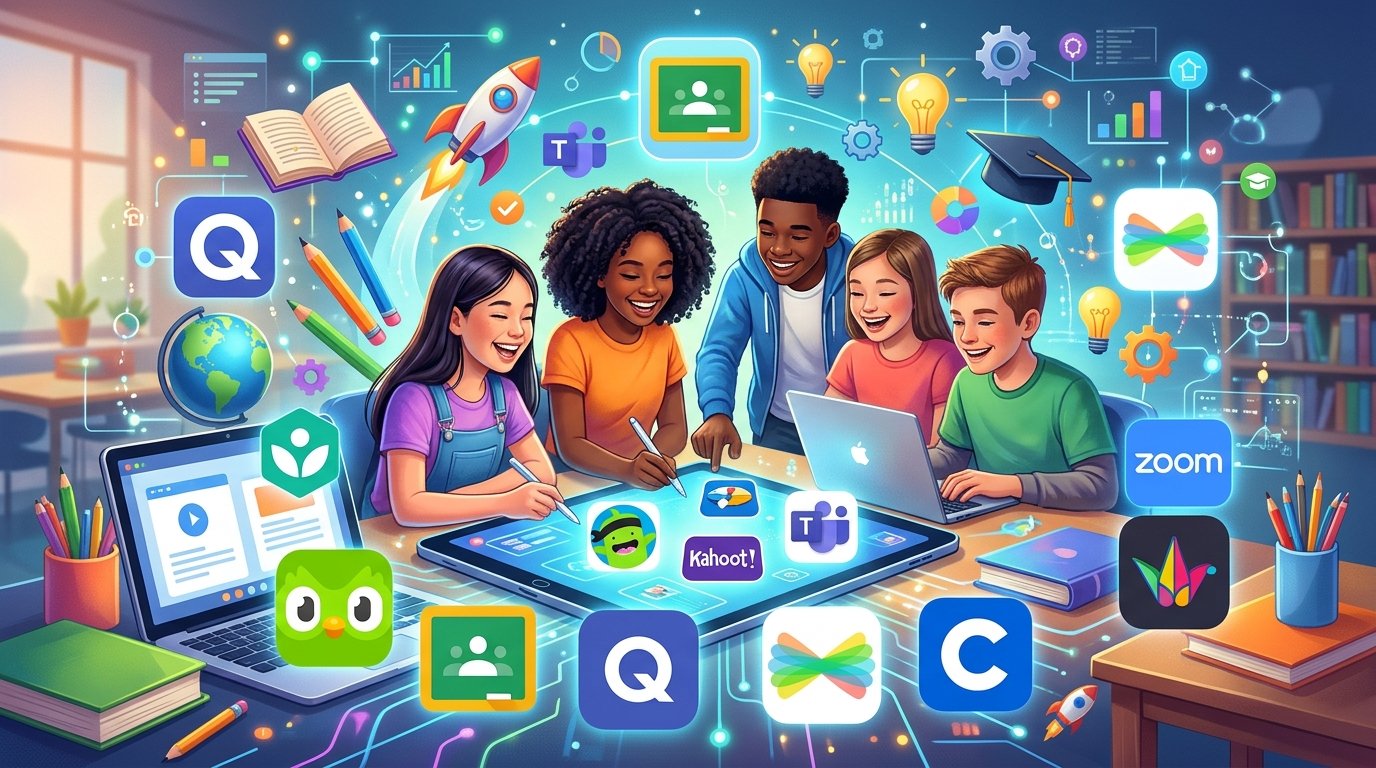
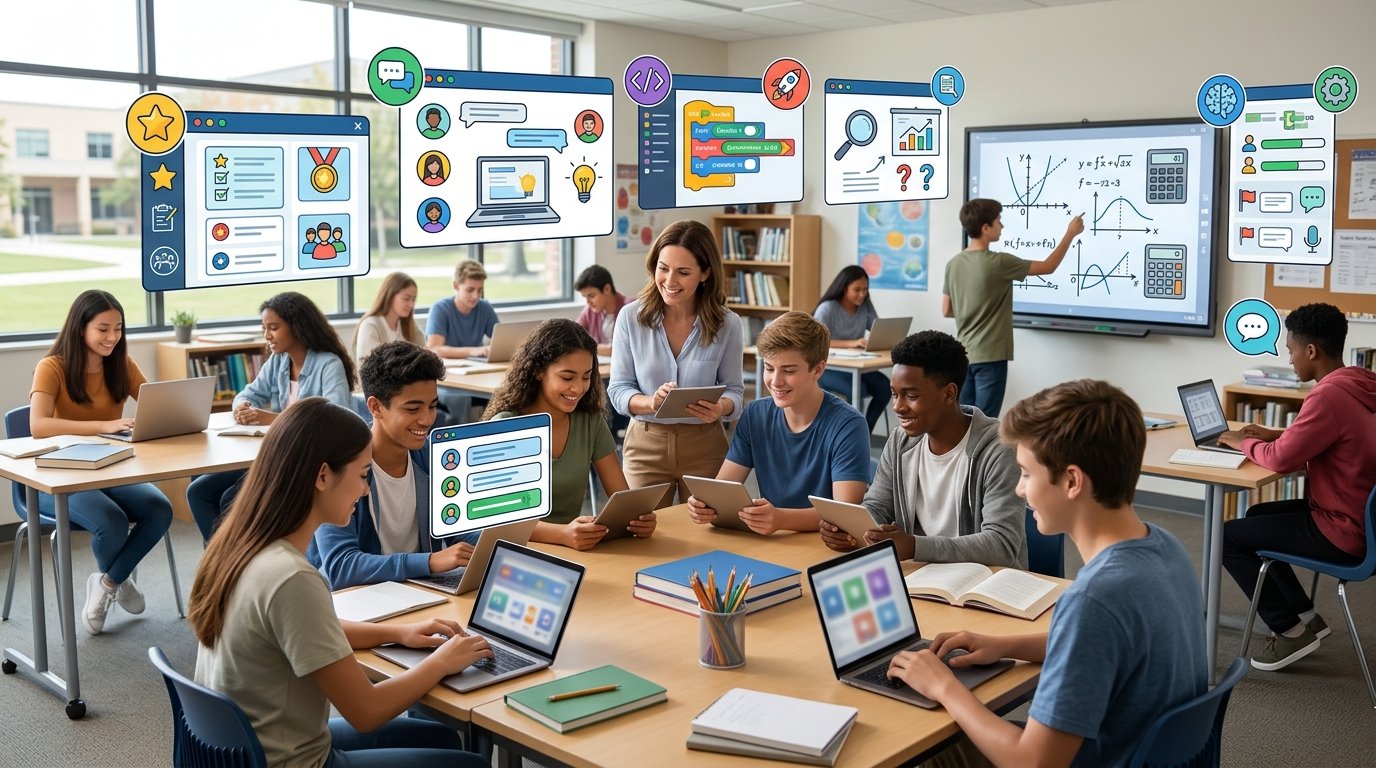
Digital Classroom Tools for the classroom include gadgets, software, and online resources that support instructors in delivering courses and assist students in learning, practicing, working together, and finishing projects. These resources can be utilized in hybrid learning environments, online courses, and conventional classrooms.
Textbooks, notes, and chalkboards are no longer the only tools used in modern education. To make classes more approachable and interesting, teachers can now use interactive displays, instructional apps, digital presentations, online tests, and learning platforms.
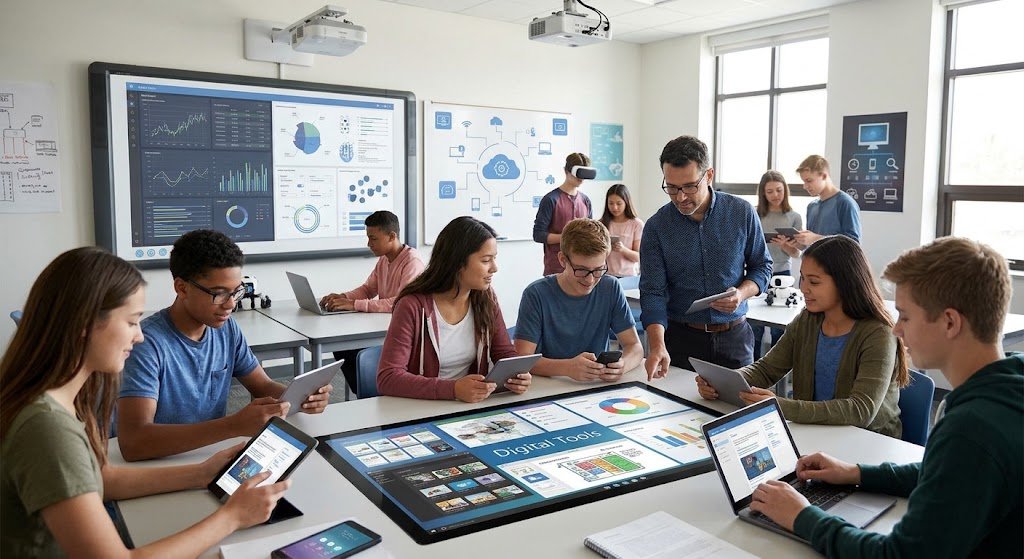
A science instructor could, for instance, use a smart board to show an animated explanation of the solar system. While the instructor gives notes via an online digital classroom tools platform, students can respond to questions using a quiz application. This combination facilitates the presentation of information in various ways and the assessment of students’ comprehension of the lesson.
Definition of Digital Classroom Tools
Technologies created to facilitate instruction, learning, communication, classroom management, and student evaluation are known as digital classroom aids.
Typical instances include of:
Interactive digital displays and smart boards
Tablets, laptops, and classroom computers
Platforms for online learning
Digital textbooks and educational apps
Software for online tests and evaluations
Tools for video conferencing
Applications for digital cooperation and presentation
How Digital Classroom Tools Work
This is how a typical digital classroom tools lesson might go:
- Prepare the lesson: The instructor makes an online exercise, worksheet, video, or presentation.
- Present the material: A computer, projector, smart board, or digital platform is used to show the lesson.
- Involve students: Students take part in conversations, respond to inquiries, or finish interactive tasks.
- Evaluate comprehension: The instructor uses tests, homework, or classroom exercises to gage students’ progress.
- Give feedback: Students get explanations and pointers on how to do better.
- Examine course materials: Students go over digital notes and materials again to make revisions.
These stages and several applications are not necessary for every lecture. Technology should only be used by teachers when it advances the learning objective and enhances the classroom environment.
Seven Crucial Resources for Digital Classrooms. - Smart Boards and Interactive Displays
- Give feedback: Students get explanations and pointers on how to do better.
- Examine course materials: Students go over digital notes and materials again to make revisions.
These stages and several applications are not necessary for every lecture. Technology should only be used by teachers when it advances the learning objective and enhances the classroom environment.
Seven Crucial Resources for digital classroom tools
Principal advantages
Make it simpler to understand visual explanations.
Motivate pupils to take part in demonstrations.
Integrate diagrams, movies, pictures, and text.
Encourage class discussions and group activities.
As an illustration, a geography instructor shows a computerized map to the class and asks them to identify nations, seas, and mountain ranges. - Learning Management Systems
Principal advantages
Make it simpler to understand visual explanations.
Motivate pupils to take part in demonstrations.
Integrate diagrams, movies, pictures, and text.
Encourage class discussions and group activities.
As an illustration, a geography instructor shows a computerized map to the class and asks them to identify nations, seas, and mountain ranges.
Main benefits:
Organize your instructional resources.
Facilitate access to assignment instructions.
Encourage teachers and students to communicate with one other.
Assist in monitoring completed tasks and evaluation outcomes.
- Video Conferencing Tools
Teachers and students can interact through live online sessions using video conferencing solutions. They facilitate group discussions, teacher consultations, virtual courses, and remote learning.
Zoom and Microsoft Teams for Education are two examples.
When enabled, teachers can use breakout rooms for group activities, share their screens, respond to inquiries, and provide real-time class explanations. These tools are useful for online and hybrid education since they allow students to participate in classes from various locations.
Main benefits:
-Permit meetings and lessons to be conducted remotely.
Encourage communication amongst participants who are at different places.
Permit educators to share presentations and screens.
Provide opportunities for online collaboration and guest speakers.
- Online Quiz and Assessment Tools
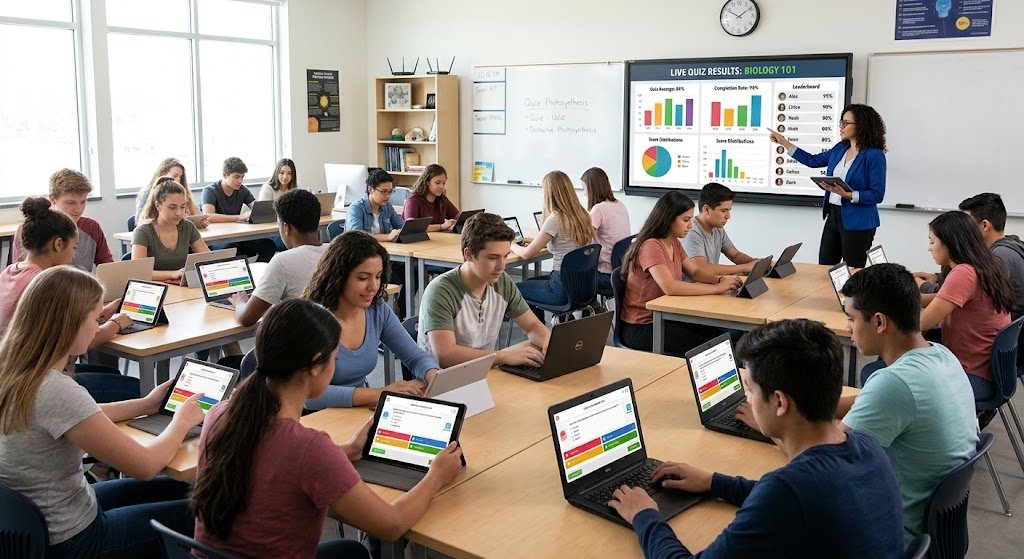
Teachers can generate questions, test students’ comprehension, and examine results with the use of online quiz and assessment tools. Certain programs automatically mark multiple-choice questions and offer prompt feedback.
Quizizz and Kahoot! are two examples.
Revision can become an engaging process with the help of these digital classroom tools. They can be used at the start of a lesson to review prior knowledge or at the conclusion to assess comprehension.
Main benefits:
Give prompt feedback on appropriate question formats.
Assist educators in identifying subjects that kids find challenging.
Promote active involvement in the revision process.
Encourage practicing before to exams.
- Digital Presentation and Collaboration Tools
Students can collaborate on projects and teachers can clarify concepts with the use of presentation and collaboration digital classroom tools.
Google Docs, Google Slides, and Microsoft PowerPoint are a few examples.
Teachers can create slides that include important information, pictures, and diagrams. Students can organize research findings, update shared papers, and produce group presentations.
Main benefits:
Information should be presented in an organized visual way.
Promote cooperation and dialog.
Assist with group projects and research.
Facilitate the sharing and editing of digital materials.
- Educational Apps and Digital Learning Platforms
Lessons, practice tasks, tutorials, and other learning materials are offered by educational apps. While some provide courses covering a variety of subjects, others concentrate on just one.
Khan Academy and Duolingo are two examples.
Students can study independently, practice language skills, and review subjects with the aid of these tools. To enhance lessons in the classroom, teachers can suggest particular activities.
Main benefits:
Offer more materials for learning and review.
Encourage practice at your own pace.
Provide a variety of explanations for challenging ideas.
Assist pupils with their studies after school.
- Digital Libraries and Online Learning Resources
Electronic books, articles, films, research materials, and reference data are accessible through digital libraries and online educational resources.
They assist students with topic research, assignment preparation, and exploration of subjects outside of textbooks. Instructors might also suggest trustworthy internet sites to bolster explanations in thedigital classroom tools.
Main benefits:
Increase the availability of instructional resources.
Encourage independent inquiry and study.
Facilitate the search for reference materials.
Permit pupils to examine data in various formats.
Benefits of Digital Classroom Tools
Improving Student Engagement
Students can participate in a variety of ways through interactive presentations, tests, educational games, and visual demonstrations. Students can respond to questions, work through issues, talk about concepts, and show that they comprehend a subject instead of just listening.
When engagement results in learning, it is most beneficial. Teachers should provide students with opportunity to discuss what they have learned and link each action to a specific goal.
Supporting Flexible Learning
Students can review courses and do some tasks outside of the classroom with the help of digital tools. Online assignments, shared notes, and recorded explanations could be particularly helpful for students who miss a lesson or for revision.
Access to devices, internet connectivity, and the availability of offline or downloaded resources all affect flexibility.
Saving Teachers Time
Some monotonous jobs can be reduced with digital classroom tools. Teachers might, for instance, assign homework to the entire class, reuse instructional presentations, or automatically mark appropriate quiz questions.
Tools still need to be prepared, inspected, and maintained, though. Instead than adding pointless procedures, educators should select programs that make their work easier.
Encouraging Collaboration
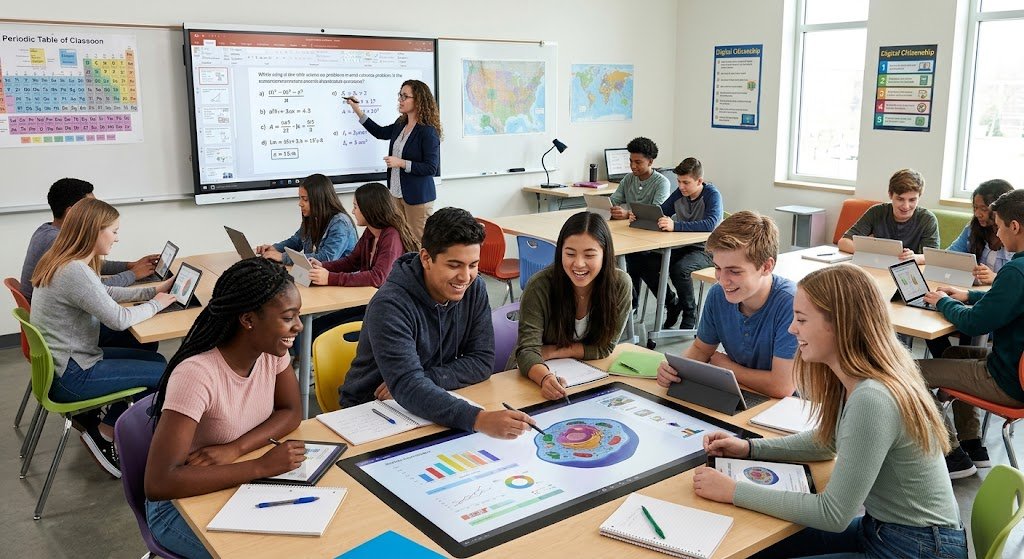
Students can collaborate and work toward shared objectives through online conversations, group presentations, and shared documents. These exercises help improve problem-solving, cooperation, and communication abilities.
Instead of letting one student finish the entire project, teachers should designate specific duties and make sure that every student contributes.
Supporting Student Progress
Teachers can analyze quiz results, assignment completion, and areas of difficulty with the aid of assessment software and learning platforms. Revision and further assistance can be guided by this information.
Although they are helpful indications, digital reports do not capture all facets of learning. They should be used in conjunction with practical examinations, written assignments, classroom observation, and discussion.
How to Choose the Best Digital Classroom Tools
Before choosing a tool, take into account following factors:
- Learning objectives: Choose whether the objective is to manage assignments, deliver classes, evaluate students, or encourage teamwork.
- Usability: Select programs with straightforward navigation and clear directions.
- Cost: Examine the price of maintenance, equipment, subscriptions, and free versions.
- Device compatibility: Verify if the program is compatible with the school’s PCs, tablets, and smartphones.
- Internet access: Determine whether continuous connectivity is required or whether offline features are available.
- Security and privacy: Examine the methods used to gather, keep, and safeguard student data.
- Accessibility: Look for text that can be adjusted, keyboard navigation, screen reader support, and captions.
- Teacher training: Ensure that teachers can acquire the skills necessary to use the technology efficiently.
- Technical support: Find out if help is accessible if software or equipment malfunctions.
Before growing, schools might start with a limited number of necessary tools and assess their performance. This strategy lessens student misunderstanding and helps avoid wasteful spending.
Challenges of Using Digital Classroom Tools
While there are numerous advantages to using digital classroom tools, there are also issues that need to be addressed.
Restricted Device and Internet Access
Some students don’t have appropriate gadgets or dependable internet connections at home. These students can lag behind if online learning becomes required.
Schools can assist by offering offline assignments, downloadable classes, shared gadgets, and alternate access to educational resources.
Costs of Equipment and Maintenance
Financial resources are needed for computers, smart boards, software subscriptions, and technical support. Instead of concentrating just on initial purchases, schools should take long-term maintenance and replacement expenses into account.
Digital learning can be made more economical by starting with basic tools and progressively adding more.
Technical Issues
Lessons may be interrupted by slow internet, software bugs, lost passwords, and broken equipment. To confidently use new platforms, teachers can also require training.
Disruptions can be minimized with backup lesson materials, dependable technological support, and clear directions.
Student Distractions
Students may be exposed to games, social media, and irrelevant alerts on digital gadgets. Overuse of screens can also limit opportunities for interpersonal engagement and physical activity.
Teachers can set guidelines for the use of devices, plan breaks, and integrate digital activities with practical work, reading, writing, and conversation.
Privacy and Online Safety
Students’ names, grades, assignments, and other personal data may be gathered by educational platforms. Before implementing new software, schools should assess security features and privacy regulations.
Additionally, students should learn how to safeguard their passwords, spot dubious connections, and use the internet appropriately.
The Future of Digital Classroom Technology
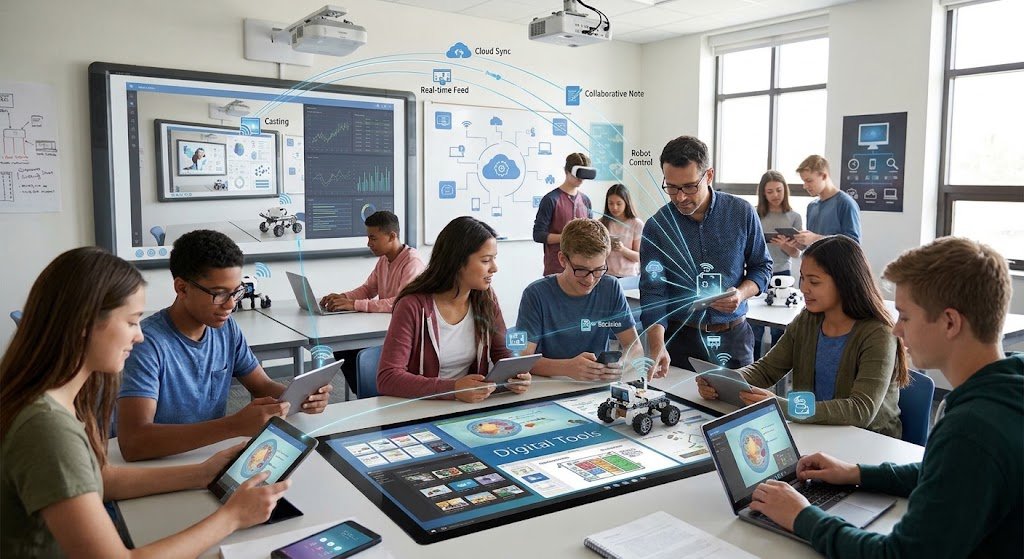
digital classroom tools technology continues to develop. Artificial intelligence, interactive learning environments, and improved accessibility features may provide new ways to support teachers and students.
Artificial Intelligence in Education
AI-driven technologies can help create practice questions, clarify ideas, recommend educational activities, and offer feedback. These tools can be used by educators to develop materials and assist students who require more practice.
AI-generated data, however, may be inaccurate. Teachers and students should preserve personal information, confirm significant claims, and adhere to school standards regarding the use of AI.
Virtual Reality and Augmented Reality
Students can investigate three-dimensional models and simulated surroundings with the aid of virtual reality and augmented reality. Students could, for instance, study historical contexts, inspect the human body, or practice certain techniques in a virtual setting.
When these tools enhance comprehension or offer experiences that are challenging to produce through typical classroom activities, they are particularly beneficial.
Personalized Learning Platforms
Certain educational platforms modify tasks based on a student’s performance. A student who finds a subject difficult might need extra practice, whereas a student who picks it up quickly might go on to more difficult content.
Teachers can find learning gaps with the use of these characteristics, but software recommendations should complement expert judgment rather than take its place.
More Accessible Learning Tools
Future educational apps may offer improved captions, speech recognition, translation, text-to-speech features, and flexible display settings. These improvements may make it easier for students with different learning needs to use educational materials.
Schools should continue to assess the accessibility, cost, reliability, and appropriateness of technologies for their students.
Conclusion
By assisting teachers with lesson delivery, coursework organization, comprehension assessment, and student engagement, digital classroom tools are revolutionizing modern education. Different benefits are offered by smart boards, learning management systems, video conferencing software, online tests, collaborative tools, educational apps, and digital libraries.
Instead of employing technology just because it is accessible, the best outcomes come from selecting tools that align with specific learning objectives. Costs, internet connection, teacher preparation, privacy, and accessibility are other factors that schools need to take into account.