Introduction
As software development shifts toward artificial intelligence, machine learning, automation, and intelligent coding tools, AI laptops for programming and development are becoming more and more helpful. An integrated development environment, several browser tabs, containers, databases, and virtual cloud services, local AI models, and machines simultaneously. Finding the quickest processor is no longer the only factor in laptop selection. Memory, storage, graphics speed, battery life, operating system compatibility, and specialized AI acceleration are additional factors that developers must take into account.
What Is an AI Laptop for Programming?
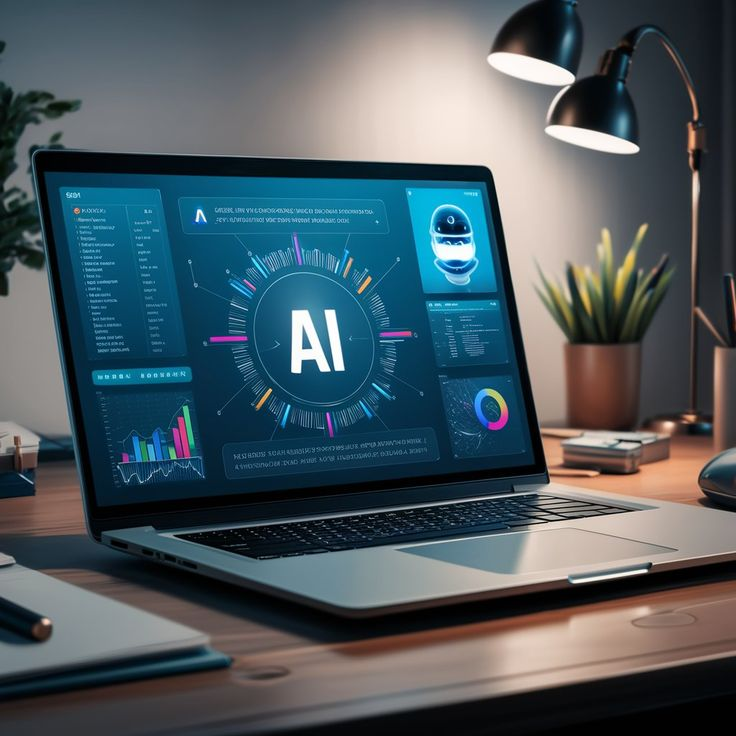
An AI laptop for programming is a laptop that combines conventional computing hardware with dedicated or optimized AI acceleration. The system may include a powerful CPU, GPU, and NPU, allowing different types of workloads to use the hardware best suited to them.
Because compiling projects, operating development environments, managing programs, and carrying out numerous software operations strongly rely on processor performance, the CPU is still crucial for everyday programming. Because current programming environments can utilize a lot of memory, RAM is equally crucial. An IDE, Docker containers, databases, browsers, and testing tools can all be used concurrently by a developer, rapidly exceeding the memory capacity of a simple laptop.
Why Developers Need AI Laptops
AI is becoming more and more integrated into software development processes. AI-powered tools can be used by developers for a variety of programming activities, including code recommendations, debugging support, documentation, testing, and translation. While certain workflows increasingly rely on local processing, others rely mostly on cloud services.
AI development is not a single task, according to current 2026 developer manuals. Running an AI model locally or fine-tuning a model may require quite different hardware than developing an application that interacts with cloud AI APIs. While someone exploring with local models would require significantly more memory and GPU resources, a developer working mostly with APIs might favor portability and battery life.

Important Hardware for AI Programming Laptops
Processor Performance
One of the most crucial parts of programming is still the CPU. CPUs are used by developers to manage numerous apps, run development servers, handle data, run scripts, and compile software.
When a developer works on multiple projects at once, a contemporary multi-core CPU is especially useful. For instance, a program may operate a local server, database, Docker containers, a browser, automated tests, and Visual Studio Code or another IDE.
AI Laptops CPUs from manufacturers like Apple, AMD, Qualcomm, and Intel mix traditional computing with specific AI capabilities in various ways. Before purchasing, developers should confirm compatibility with their preferred development tools because the precise architecture differs among systems.
Neural Processing Unit
One of the most notable characteristics of an AI laptop is the NPU. It is intended to effectively speed up supporting machine-learning procedures.
As operating systems and frameworks reveal additional ways to utilize on-device AI acceleration, NPU support may become more helpful for developers creating AI-enabled applications. Currently, Microsoft offers developer documentation that focuses on how developers may monitor local AI performance and how programs can utilize the NPU.
However, software support is important, so developers shouldn’t expect that every AI application runs on the NPU automatically. Even with a laptop’s outstanding NPU specification, several programming frameworks still heavily rely on the CPU or GPU.
RAM
A laptop with 16GB of RAM may manage many programming jobs, but developers working with containers, virtual machines, huge projects, databases, and local AI models may benefit from 32GB or more. RAM is crucial for programming and AI development.
For professional multitasking, current programming guides often recommend 32GB as a more comfortable level and 16GB as a practical minimum.
Even more memory can be helpful for serious local AI Laptops development. According to some recent guidelines for AI development, 32GB is a reasonable starting point and 64GB is recommended for more complex containerized workflows, local language models, and intense multitasking.
GPU and VRAM
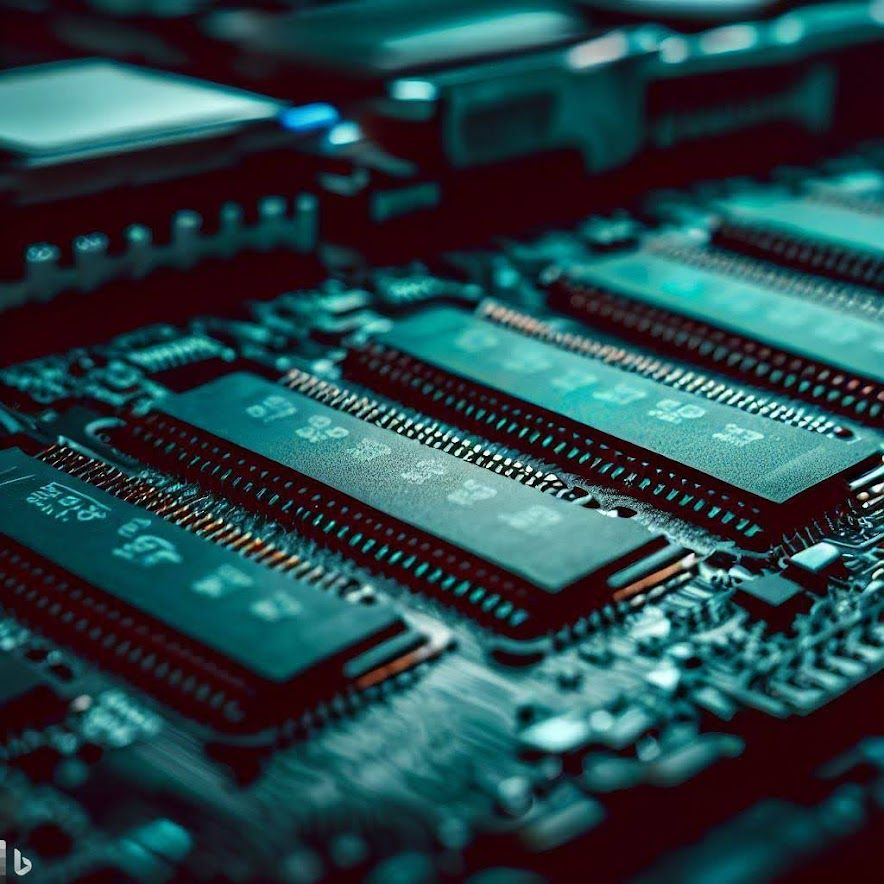
For machine learning, deep learning, computer vision, game development, 3D development, and local AI models, the GPU becomes very crucial.
Because many AI Laptops and scientific computing workflows have robust CUDA support, developers utilizing NVIDIA’s CUDA ecosystem could favor a laptop with a discrete NVIDIA GPU. VRAM can become a significant constraint for demanding local AI tasks. For local training, picture creation, computer vision, and model fine-tuning workloads, Dell’s current AI-development guidelines advise taking into account a dedicated GPU with at least 12GB of video RAM.
However, a big dedicated GPU might not be required for regular web development. That money can frequently be used by a developer creating websites and APIs to purchase more RAM, an improved display, or a longer battery life.
Best AI Laptop Categories for Developers
AI Laptops for Web Development
A responsive CPU, enough RAM, quick SSD storage, and a comfortable keyboard and monitor are typically requirements for web developers. Working with HTML, CSS, JavaScript, TypeScript, React, Vue, Node.js, databases, Git, and development servers are a few possible tasks.
For supported AI tools, an NPU can be helpful, but it’s not always the most crucial consideration when making a purchase. A well-balanced laptop with a fast SSD and 16GB or 32GB of RAM can offer a powerful development experience.
AI Laptops for Software Engineering
Larger projects requiring compilation, testing, containers, databases, and various development tools are frequently undertaken by software engineers. A powerful CPU and plenty of RAM can make a big difference in this case.
For intensive development workflows, a laptop with 32GB RAM , a contemporary multi-core processor, and a quick NVMe SSD is a sensible setup. Additionally, keyboard quality and battery life are important because programmers may spend many hours working directly on the machine.
AI Laptops for Machine Learning
Developers of machine learning have distinct needs. The GPU, CPU, RAM, storage, and cooling system may be heavily taxed during local model experimentation and training.
When dealing with larger models and deep-learning frameworks, a dedicated GPU can be very crucial. Before choosing hardware, developers should determine whether they primarily want local model execution or cloud-based AI development, according to current 2026 advice.

AI Laptops for Data Science
Developers of machine learning have distinct needs. The GPU, CPU, RAM, storage, and cooling system may be heavily taxed during local model experimentation and training.
When dealing with larger models and deep-learning frameworks, a dedicated GPU can be very crucial. Before choosing hardware, developers should determine whether they primarily want local model execution or cloud-based AI Laptops development, according to current 2026 advice.
AI Laptops for Game Development
A different hardware balance is required by game creators. Strong CPUs, GPUs, enough RAM, and quick storage can all help development environments like Unreal Engine and Unity.
For game creation, a dedicated GPU is typically far more crucial than an NPU. Therefore, developers shouldn’t select a laptop just because it claims to have AI capabilities. The development experience may be more significantly impacted by GPU memory, cooling, display quality, and graphics performance
Recommended Specifications
| Component | Basic Development | Advanced Development | AI/ML Development |
|---|---|---|---|
| CPU | Modern 6+ core processor | High-performance multi-core CPU | High-performance multi-core CPU |
| RAM | 16GB | 32GB | 32GB–64GB+ |
| Storage | 512GB SSD | 1TB SSD | 1TB–2TB SSD |
| GPU | Integrated graphics | Integrated or discrete GPU | Dedicated GPU preferred for many workloads |
| NPU | Useful | Recommended for supported AI workloads | Useful alongside CPU/GPU |
| Display | Full HD or better | High-quality 14–16 inch display | High-quality display |
| Operating System | Windows/macOS/Linux | Windows/macOS/Linux | Depends on framework and GPU ecosystem |
Rather than being rigid standards, these are broad guidelines. Compared to someone running local deep-learning models, a developer working mostly with cloud APIs might require far less GPU power.
Local AI Development vs Cloud AI Development
Choosing whether to execute AI workloads locally or on the cloud is one of the most important choices for an AI developer.
The usage of remote computer resources is made possible by cloud-based development. When working with huge models that would be difficult to run on a laptop, this can be helpful. The laptop must primarily offer a suitable environment for writing code, testing programs, and interacting with distant services.
Local AI development,
Conversely, it enables developers to directly execute compatible models on their own hardware. This can help with offline development, privacy-sensitive workloads, experimentation, and lowering reliance on cloud infrastructure.
There can be significant differences in the hardware requirements. Many AI Laptops operations, such connecting APIs, creating RAG pipelines, testing prompts, and debugging apps, may not put a lot of strain on a laptop GPU, according to the most recent 2026 recommendations. Executing and fine-tuning local models may require significantly more processing power..

Operating System and Developer Compatibility
Compatibility between operating systems is another important factor. Different hardware ecosystems and development environments are offered by Windows, macOS, and Linux.
Windows laptops are popular in both business and gaming settings and provide a wide range of hardware options. When necessary, developers can also access Linux environments via technologies like WSL.
Battery Life and Portability
Not all programming is done at a desk. Software engineers, remote developers, freelancers, and students can work from offices, universities, cafes, libraries, or while on the road.
Therefore, developers that value mobility may find a lightweight AI laptops with a long battery life appealing. There is frequently a trade-off between mobility and local processing speed because dedicated GPUs typically use more power than integrated graphics when working under demanding workloads.
How to Choose the Right AI Laptop for Programming
Determine the kind of development you carry out first. Give CPU performance, RAM, SSD speed, keyboard quality, and battery life top priority if your work requires websites, apps, databases, and APIs.
Pay considerably more attention to GPU performance, VRAM, RAM, storage, cooling, and software compatibility if you intend to work with AI and machine learning locally. Although the NPU is helpful for AI laptops workloads that are enabled, it should be viewed as a component of the entire hardware platform rather than the sole performance indicator.
Are AI Laptops Worth It for Programmers?
AI skills can be helpful for many engineers, but their worth varies according to the workload. It’s possible that a programr who primarily creates web applications won’t notice a significant change from the NPU alone. Developers that use software that enables NPU acceleration, experiment with local inference, or create AI-powered applications may reap greater benefits.
Dedicated AI laptops hardware is becoming more and more important as AI development tools become more widely available. These processors are becoming a part of the developer platform rather than just a marketing gimmick, as evidenced by the fact that current Microsoft literature already gives developers tools for programming against NPU hardware.
Future of AI Laptops for Programming
AI laptops and software development will probably have a closer link in the future. Operating systems are revealing specialized hardware for AI processing, and development environments are progressively integrating intelligent support.
As developers have access to better frameworks and streamlined models, NPUs can become more valuable. While current AI development platforms are experimenting with local inference and hybrid CPU/GPU/NPU workloads, Microsoft’s developer documentation already covers ways to utilize NPUs programmatically.

Conclusion
AI laptops for programming and development combine conventional computing performance with specialized hardware designed to accelerate compatible artificial-intelligence workloads. For programmers, the most useful configuration depends on the type of work being performed. Web developers and software engineers may prioritize CPU performance, RAM, SSD speed, battery life, and keyboard quality, while machine-learning developers may need powerful GPUs, substantial VRAM, and large amounts of memory.